
 EN
EN
Understanding Dual-Audience Cognitive Realities for Double-Sided Screens
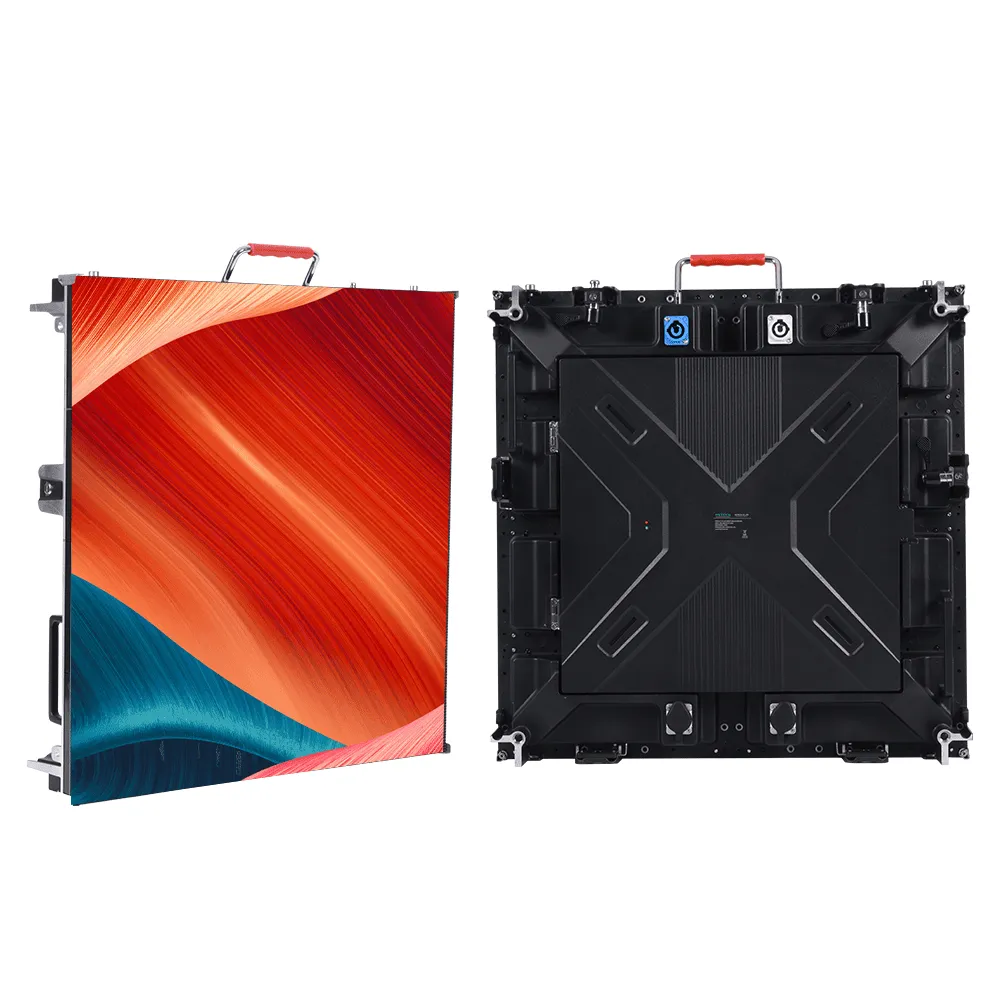
Attention Windows: Why Pedestrians Need 3–5 Seconds While Drivers Require <1.5 Seconds
Double-sided screens need completely different approaches for what shows up facing pedestrians versus drivers because of how our brains handle information. People walking along have time to take in messages as they stroll past, usually giving them about 3 to 5 seconds to read something before moving on. That window works well for short stories or pictures with multiple elements. Drivers are another story entirely though. They need super simple stuff that they can grasp in less than 1.5 seconds without taking their eyes off the road for long. According to NHTSA research from 2022, if someone looks away from driving for too long, crash risks go up by around 23%. So screens aimed at cars must focus on big images and short phrases three words max while walkway sides allow for more detailed storytelling. Getting all this right means balancing two totally different ways people think about information within one physical screen setup, which presents quite a design puzzle for advertisers and city planners alike.
Cognitive Load Differences: Static vs. Dynamic Processing in Movement Contexts
The way our brains process information is quite different for people walking around versus those behind the wheel. When walking, folks generally have less going on in their heads, which means they can actually take in all those little details and symbols we put out there. Drivers tell a different story though. They're dealing with way more mental traffic when moving around. Research looking at how humans interact with transportation shows drivers might be handling four times the brainwork compared to someone just standing still. That's why we need really clear visuals for them - think bright colors with at least 70% difference in light levels - and definitely steer clear of cramming too much text onto screens they see while driving. On the pedestrian side of things, we can get away with adding buttons to press and extra context about what's happening nearby. Good dual screen setups actually turn these brainpower differences into something useful. Instead of fighting space constraints, designers create separate but connected ways to communicate that match what each group can realistically handle given their current mental state.
Audience-Specific Content Design Principles for Double-Sided Screens
Pedestrian-Facing Side: Leveraging Detail, Storytelling, and Interactive Triggers
Pedestrians’ 3–5 second attention window supports layered messaging on double-sided screens. Capitalize on this extended engagement time with narrative-driven visuals and micro-interactions: research from the Urban Media Lab shows interactive elements like QR codes or motion-triggered content increase dwell time and engagement by 47% in walkable zones. Prioritize:
- Story arcs using sequential imagery
- Detail-rich infographics, anchored by one key statistic per frame
- Contextual triggers, such as weather- or time-of-day-responsive content
Driver-Facing Side: Prioritizing High-Contrast, Minimal Text, and Instant-Recognition Visuals
With sub-1.5-second cognitive windows, driver-facing content demands ruthless simplicity. High-contrast visuals with minimal text reduce comprehension time by 60% compared to text-heavy alternatives, according to findings published in Transportation Research Part F. Implement:
- Symbol-based communication, favoring universal icons over words
- Color psychology principles, using red for urgency and yellow for caution
-
Motion restraint, avoiding animation that competes with traffic cues
Data confirms drivers process symbolic warnings 0.8 seconds faster than text alerts—critical when every fraction of a second impacts reaction time.
Strategic Placement and Environmental Integration of Double-Sided Screens
Optimizing Elevation, Tilt, and Sightlines for Urban Pedestrian Flow vs. Roadway Speed Zones
Getting the positioning right for those double-sided screens means thinking differently about each group we want to reach. When dealing with people walking around, the displays should sit somewhere between five and seven feet off the ground, angled downward about fifteen degrees so folks can catch them naturally as they pass by within those brief three to five-second windows when someone actually looks up. Things change quite a bit on roadsides though. These need to be much higher up, probably eight to twelve feet tall, almost straight up against the wall since drivers only have fractions of a second (less than 1.5 seconds really) to process what they see at normal city speeds where cars zip along at thirty to fifty miles per hour. Most experienced folks in this business talk about adjusting based on location zones. Think about how stores in busy shopping areas need to focus on making sure pedestrians can spot things easily from different angles. Meanwhile, highways require something totally different - quick recognition becomes everything because nobody wants to risk readability issues or safety problems just to get a message across.
Mitigating Obstruction Risks and Glare to Ensure Message Legibility on Both Sides
The environment plays a big role in how well dual screens work. To deal with glare problems, most installers apply anti-reflective coatings and position the screens at right angles to where the sun typically shines throughout the day. For pedestrian areas, mounting the screens slightly back into walls helps keep them visible past benches and trash cans. Driver-facing displays need at least ten feet between themselves and any trees or signs along roadsides. Cities should also consider adding ambient light sensors that tweak screen brightness automatically. These sensors can boost contrast dramatically when sunlight hits during daytime hours without making things too bright for people looking at night. Don't forget regular checks too. New buildings going up or plants growing wild can slowly block views over time, so periodic inspections help maintain clear visibility for everyone who needs to see what's displayed on those screens.
Measuring and Iterating Impact: KPIs and Optimization for Double-Sided Screens
Measuring how well double-sided screens work needs different key performance indicators for people walking by versus drivers since these groups interact with content in completely different ways. When looking at what pedestrians see, we should focus on how long they actually stop and look (aiming for around 3 to 5 seconds), how often they engage with touchpoints or scan QR codes, and whether there's an increase in foot traffic near those displays. For drivers, the numbers game gets tougher. We need to check if the screens are visible enough within just 1.5 seconds of passing by, track how many remember the brand after seeing it roadside, and watch for behaviors like turning off the road toward businesses advertised. These metrics tell us if our digital billboards are making an impact or just flashing pretty lights.
Running A/B tests every two weeks helps fine-tune content according to key performance indicators. Try different versions when traffic is naturally lower, then check how well they perform by looking at obstruction rates across various placements. Making seasonal tweaks matters too, something like adding better anti-reflective coatings before summer hits ensures text stays legible throughout the year. Regular updates help close the gap between people who stop to read and those rushing past, transforming static displays into smart communication systems that actually work for real-world conditions.
FAQ
-
What is the optimal attention window for pedestrians?
Pedestrians typically need 3 to 5 seconds to absorb information from screens. -
Why do drivers need less than 1.5 seconds?
Drivers require quick information processing without taking their eyes off the road, so screens must deliver content swiftly. -
How do cognitive load differences affect content design?
Pedestrians can handle detailed information, while drivers need clear, simple visuals due to higher mental workload. -
What are the positioning recommendations for double-sided screens?
Screens should be positioned at different heights and angles depending on whether they target pedestrians or drivers. -
How can screen glare be minimized?
Anti-reflective coatings and ambient light sensors can help reduce glare and maintain message legibility.